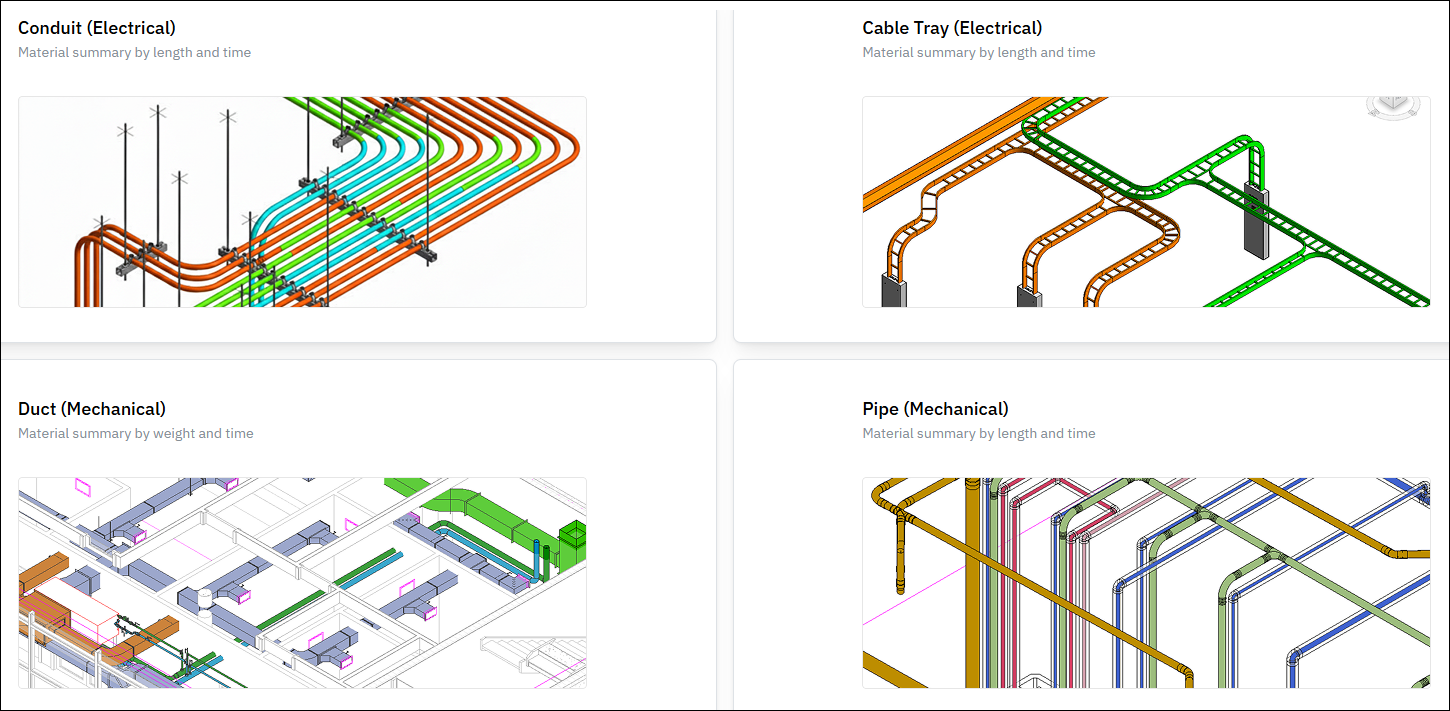
Model Data Capture

Model Data Capture
The Model Data Capture feature automatically collects material data from Revit projects and sends it to Foresite, where it is used to populate the Material Analytics feature charts for reporting and insights.

Accessing Model Data Capture
- Open the Resources panel
- Select the Settings dropdown
- Click Model Data Capture
How It Works
- Default configurations are automatically set up based on the active product
- EVOLVE Electrical: Conduit and Cable Tray data is captured
- EVOLVE Mechanical: Duct and Pipe data is captured
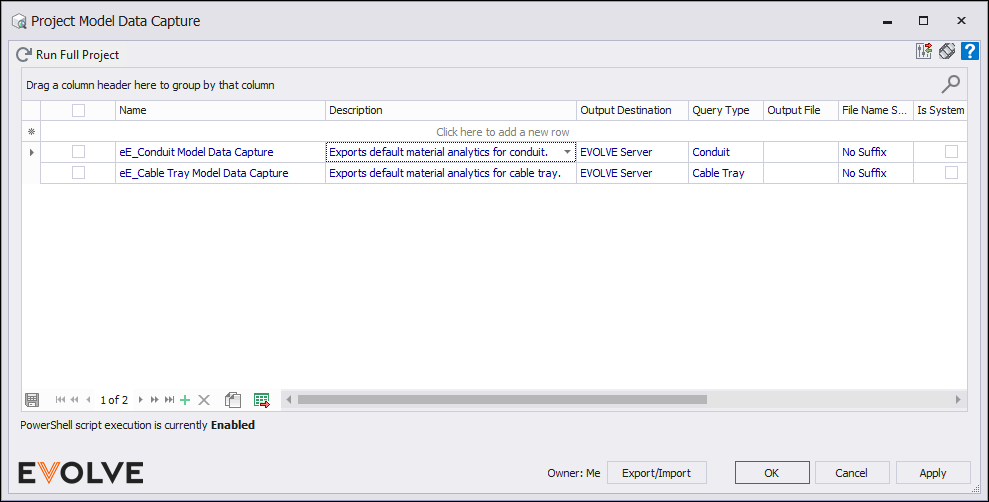
- Model Data Capture runs automatically within your project
- The process executes once per day upon the first sync or save
- It scans the model and collects data for the configured material types
- Processing time may vary depending on project size
- Once complete, the captured data becomes available in the Material Analytics area within Foresite.